# Organize your Accounts with Stacks
## **Why Stacks?**
Stacks provide a structured way to manage multiple wallets, allowing users to categorize finances by department or custom sections. They enhance visibility by offering detailed wallet metadata and facilitate accurate tracking of funds, revenue, and expenses. With role-based access, stacks ensure security while personalized icons and colors aid in quick identification. This organized setup simplifies auditing and reporting, making financial management efficient and coherent.
### **Key Features of Stacks:**
* Organize your wallets by department or custom sections
* Dive deep into Wallet Metadata
* Track funds, revenue and expenses by department
* Give roles access to specific wallets
* Add unique icons and colours to all wallets in a stack for ease identification everywhere in Integral
* Produce reports of all the wallets under specific departments
***
### How to create a Stack
1. Navigate to the [Wallets page](https://app.integraltreasury.xyz/wallets)
2. Click on *By Stack*
3. To create a new Stack, click on *+Add Stack* at the bottom of the table
4. Give your Stack a name, choose a colour, and an icon
5. Once created, you can click and drag wallets to add them to the Stack
## What can you do with Stacks?
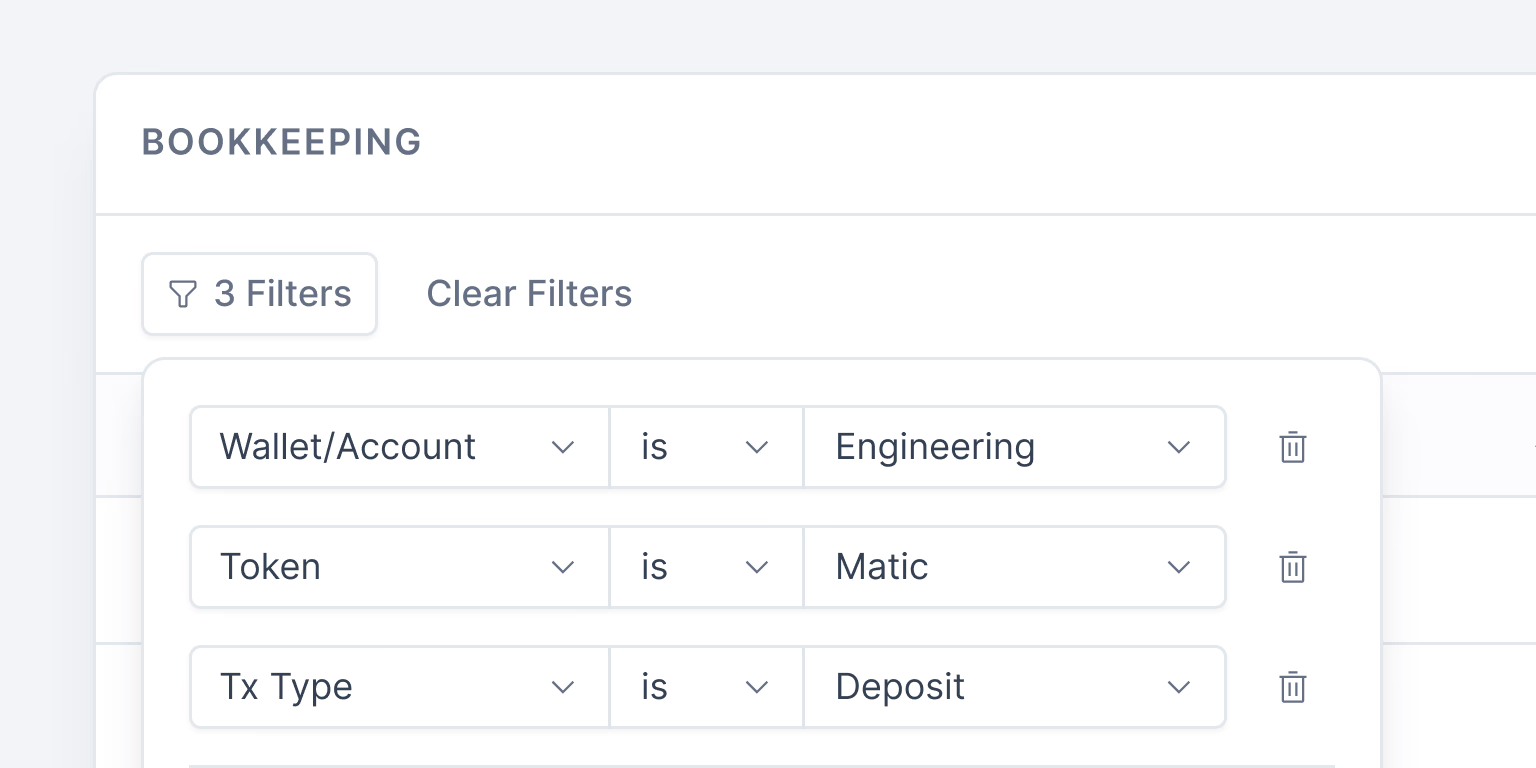
### Filter for specific functions and owners
Streamline your bookkeeping by narrowing down on distinct departments, ensuring efficient and targeted journal entries.
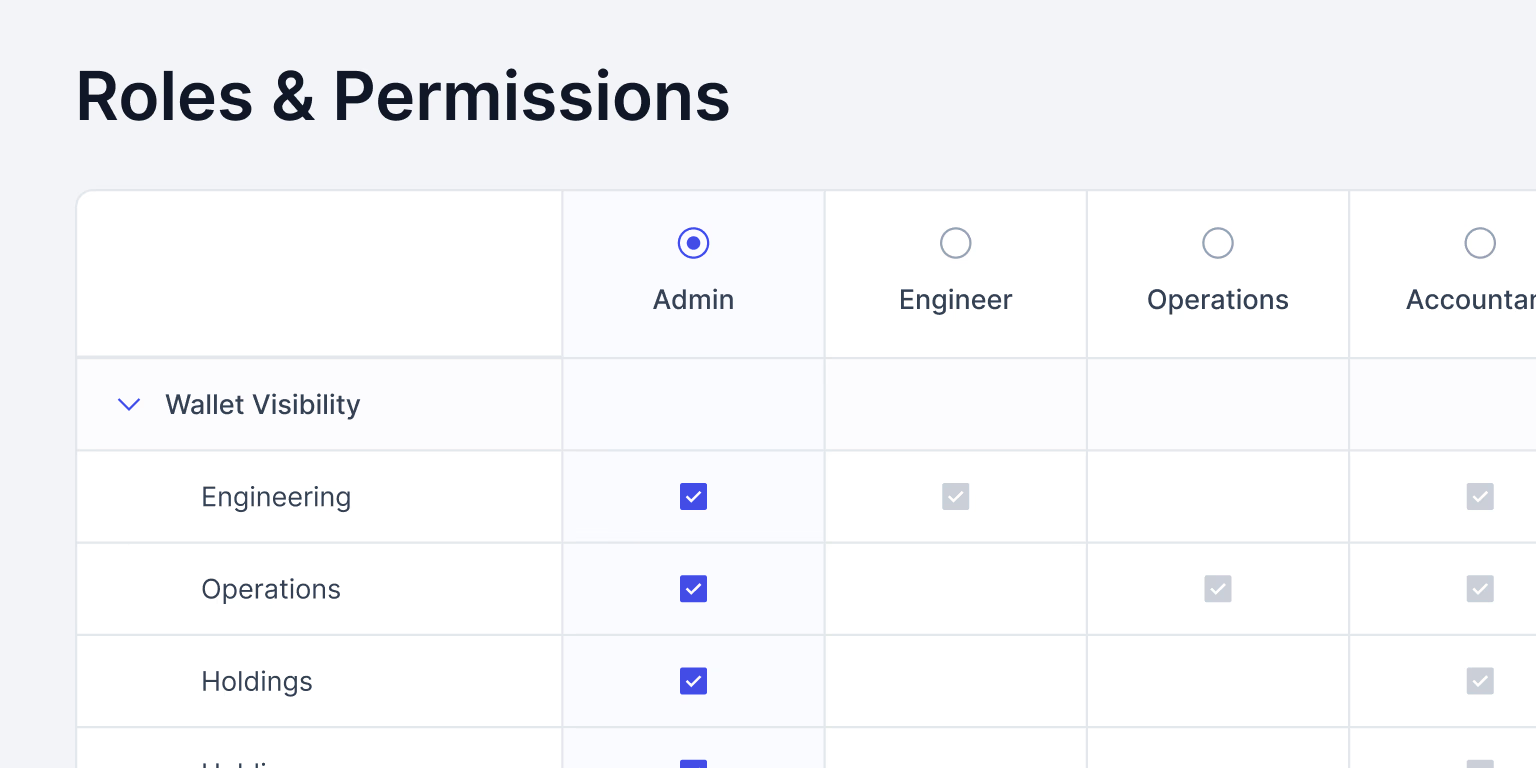
### Give roles access to specific wallets
Give your team tailored access, ensuring that each member only has visibility to their respective wallets.
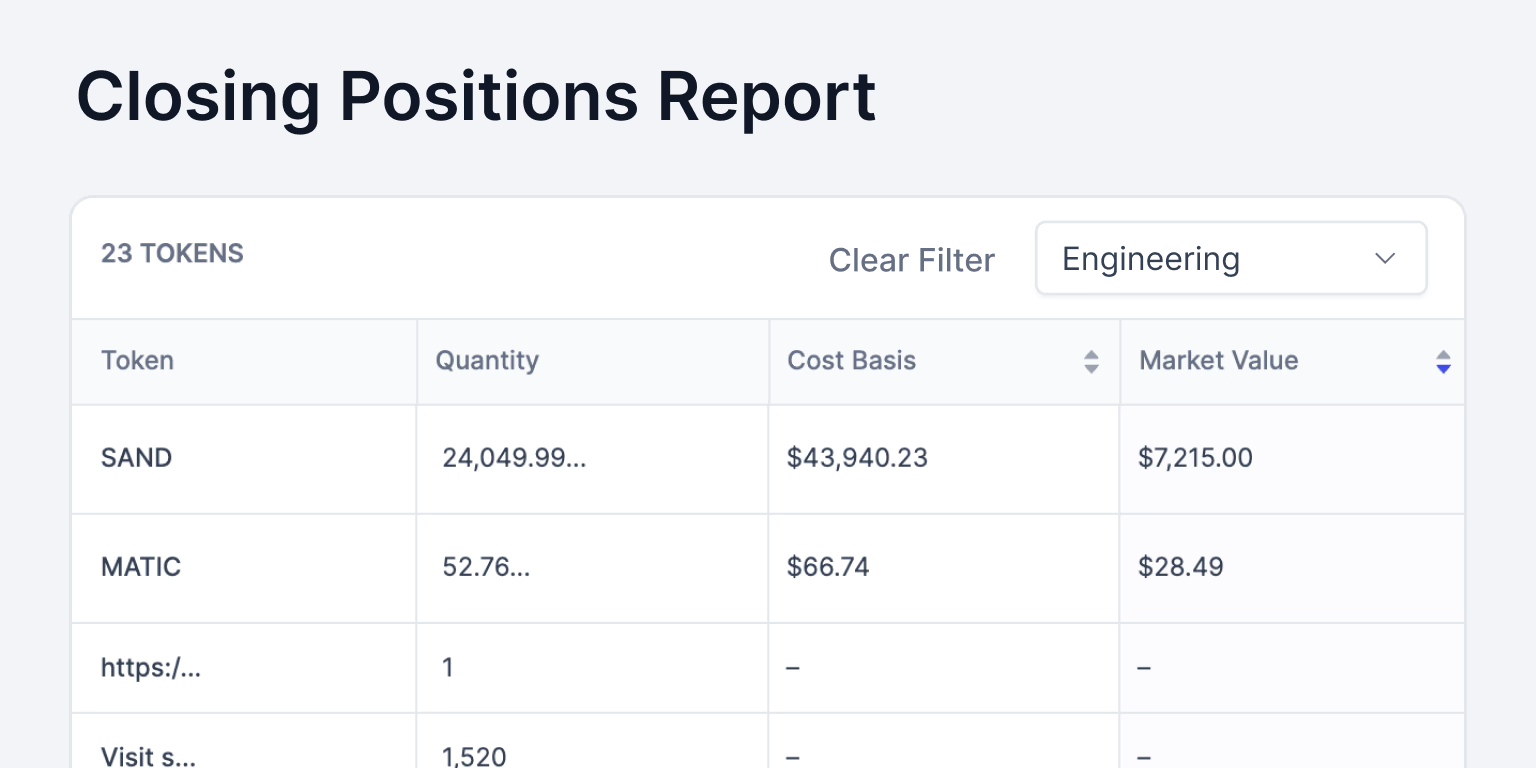
### Produce reports of all the wallets under specific departments
Harness the power of concise reporting, and make informed decisions based on departmental allocations.